AI Assistants Showing Wrong Business Information
AI assistants showing wrong business information? Document the answer, correct source data, resolve conflicts, and monitor changes over time.
By RankSimply ·
Quick answer: Fix incorrect AI business information by creating one accurate, location-specific record across your website, Google Business Profile, listings, structured data, and relevant profiles. Then re-run the same prompts and compare the answers, citations, map results, and contact details to confirm the corrected facts are appearing.
When an assistant gives customers the wrong address, phone number, hours, services, price, or closure status, treat it as a business-information problem. Capture the exact error, identify the public sources connected to it, correct the facts you control, resolve conflicts elsewhere, and check the same question again over time.
RankSimply helps local and multi-location businesses monitor AI recommendations and coordinate profile, review, citation, schema, competitor, and content work that gives search engines and AI assistants one clearer record to repeat.
Why are AI assistants showing wrong information about my business?
AI assistants can show wrong business information when public sources disagree, official details are unclear, old records remain online, or the assistant confuses your business with a similarly named company or former location.
An answer may repeat a stale directory record, merge details from two businesses, overstate a service from an old review, or make an unsupported inference. A confident tone does not make the answer correct.
The practical fix is to make authoritative business facts clear and consistent across your website, profiles, listings, and structured data. If an answer includes citations or feedback options, save and use them where appropriate. Correcting the source information remains the main task.
Start with this correction workflow:
- Capture the incorrect answer exactly as shown.
- Classify the error: factual conflict, business confusion, stale information, or unsupported inference.
- Check cited sources, search results, maps, directories, reviews, and your own pages for the same error.
- Correct the most authoritative assets first.
- Resolve duplicate, outdated, or contradictory listings.
- Re-test the same question across the AI assistants and search surfaces that matter to your customers.
For a detailed process, read our guide on how to fix inaccurate AI business information.
What should I save before I try to correct an AI answer?
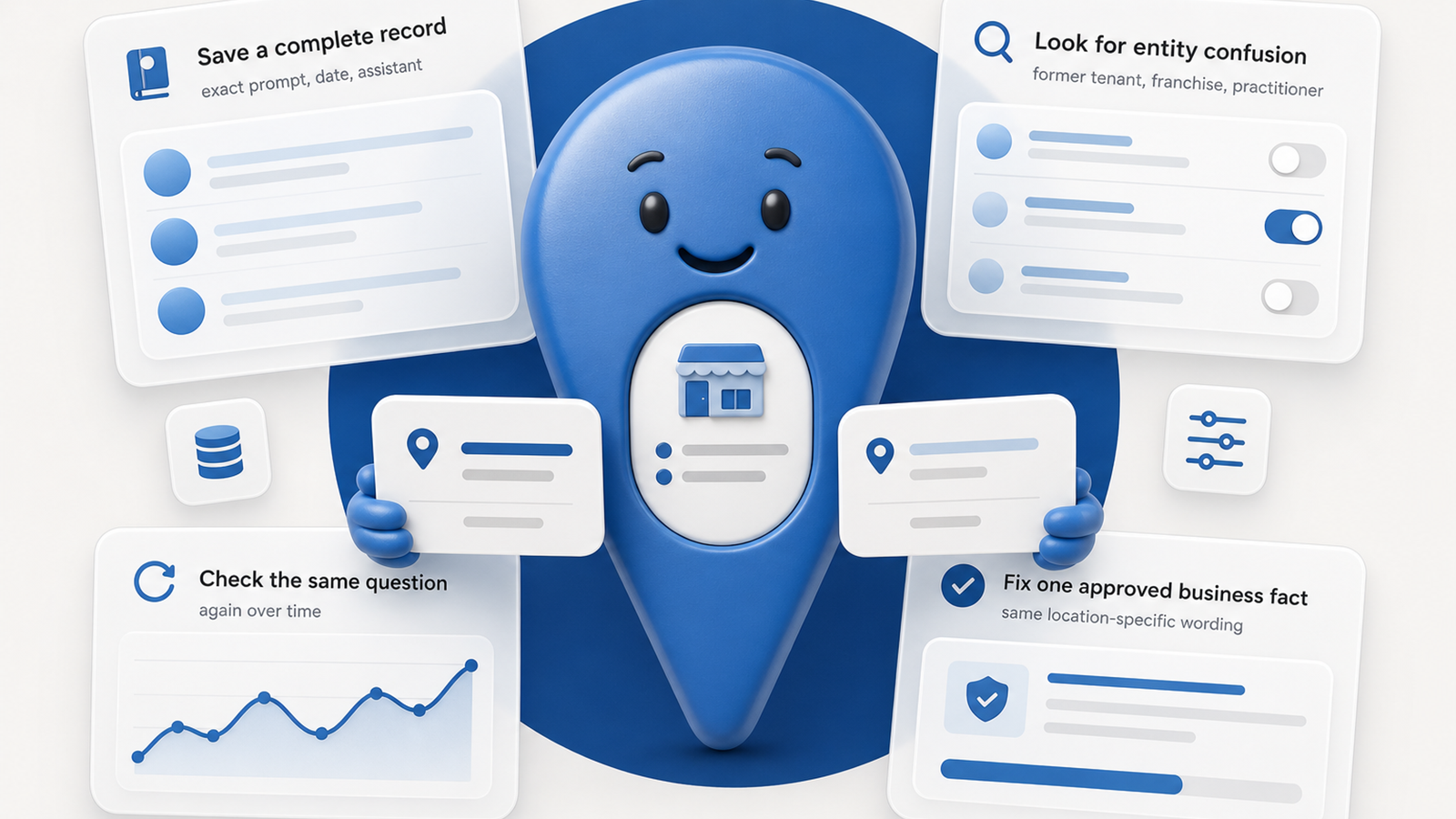
Save a complete record before making changes: the exact prompt, date, assistant, location context, full answer, cited sources when shown, and screenshots. This creates a baseline for checking whether corrected source information begins appearing later.
A useful evidence log includes:
- Assistant and product surface: For example, an AI assistant answer or a Google AI Overview.
- Exact prompt: Preserve wording, spelling, service terms, and location modifiers.
- Date and time: Record when the answer appeared.
- Location context: Note the city, neighbourhood, postal code, or market used in the query.
- Answer text: Copy the full response, not only the incorrect sentence.
- Citations or links: Save every displayed source and URL where available.
- Screenshot: Include the prompt and answer in the same image where possible.
- Correct fact and proof: Link to the official page, profile, policy, or record that supports the correct information.
Use a separate row for each location. A multi-location business that logs only the brand name can miss branch-level errors, such as a correct corporate phone number paired with the wrong office address.
Which business facts need immediate correction first?
Correct facts that can send customers to the wrong place, prevent contact, create safety concerns, or falsely change a buying decision before addressing minor wording issues.
| Error type | Likely customer impact | First correction assets | Verification method |
|---|---|---|---|
| Wrong address or map location | Wasted visit or missed appointment | Location page, Google Business Profile, map and directory listings | Search branded location queries and re-check map results |
| Wrong phone number | Lost calls or misdirected customers | Website header, contact page, profiles, directories | Call the displayed number and compare listings |
| Wrong operating hours | Failed visits and lost trust | Location page, Google Business Profile, major listings | Check hours on each public profile |
| False closure status | Customers may stop contacting you | Google Business Profile, website, directories, recent announcements | Search the business name plus “closed” and inspect source pages |
| Incorrect service availability | Wrong booking or inquiry expectations | Service pages, profiles, category fields, booking pages | Test service-and-location prompts |
| Incorrect pricing or fee claim | Decisions based on a false expectation | Official pricing or consultation pages, listings, old promotions | Review cited pages and expired offers |
| Safety or licensing claim | Potential customer harm | Official credentials, provider pages, regulatory records where applicable | Preserve evidence and review official proof |
A wrong adjective, such as “popular” or “luxury,” is usually lower priority than a wrong emergency service, practitioner credential, or closure claim. Fix the customer-harming factual issue first, then return to positioning language.
If an answer makes a serious false allegation involving safety, illegal conduct, fraud, or licensing, preserve the answer and all source evidence before changing anything. Seek appropriate professional advice for the specific claim and jurisdiction.
Where do AI assistants get business information?
ChatGPT, Gemini, Claude, Perplexity, Copilot, Grok, and Google AI Overviews are separate discovery surfaces. They can connect business information to a prompt using different available sources, location details, and product behavior.
For local businesses, build a source map rather than assuming one channel caused the error. The same wrong detail can appear in several places, and an assistant can also make an inference that no page explicitly states.
| Source asset | Facts it should clearly support | Common problem to check |
|---|---|---|
| Owned website pages | Name, address, phone, hours, services, policies | Old location or unclear service copy |
| Google Business Profile | Location, category, hours, contact details | Outdated hours, duplicate, or moved listing |
| Major local listings | Name, address, phone, website | Old phone number or inconsistent formatting |
| Review platforms | Customer experience and service context | Historical service references presented as current |
| Industry directories | Credentials, practitioners, specialties | Former staff, expired credentials, old office |
| News coverage | Openings, moves, closures, events | Old announcement still appearing in search |
| Social profiles | Contact details and current updates | Abandoned profile or old bio link |
| Structured data | Business identity, location, hours, services | Markup that conflicts with visible content |
This source map gives your team a disciplined place to investigate and correct corroborating errors.
For more on the factors behind business recommendations, see what affects AI business recommendations.
How can I find the source behind the wrong business information?
Find the likely source by comparing the incorrect detail with cited pages, branded search results, map profiles, directories, and historical pages. When the same wrong fact appears in multiple sources, correct the authoritative source first and then update the conflicts that keep repeating it.
Start with the answer itself
If citations are displayed, open each one and search the page for the incorrect claim. Save a copy before requesting an edit or changing the page.
A cited page can be relevant without containing the exact statement, so check the page before assigning it as the cause.
When no citations appear, search the wrong detail in quotation marks alongside your business name. Then search common variations:
- Old address
- Old phone number
- Former business name
- Location name
- The service the assistant incorrectly claimed
Look for entity confusion
Business confusion often appears when names are similar, a business has moved, or a former tenant, franchise, practitioner, or unrelated company shares part of the name. Check whether the answer combines your website with another business’s directory or social profile.
Make location identity explicit on every branch page. Each location should have its own address, local phone number where applicable, hours, services, service area, directions, and booking path. One generic contact page should not carry conflicting branch details.
Separate stale facts from unsupported inferences
A stale fact has a traceable source, such as an old directory entry or archived announcement. An unsupported inference may have no clear source, such as an assistant describing a business as permanently closed because current hours are unclear.
For an unsupported inference, publish the current fact plainly in your location page, contact page, Google Business Profile, and other key records. A new FAQ page is rarely the first priority when the existing contact information is incomplete or inconsistent.
What should I update on my website, profiles, citations, reviews, and schema?
Update the official source most directly responsible for the fact, then make matching corrections across major profiles, citations, review-platform business details, and structured data.
Keep the business name, address, phone, website, hours, category, services, service area, and location-specific details consistent wherever customers and search systems can find them.
Use this order when time is limited:
- Website: Update header or footer contact information, location pages, contact page, service pages, booking pages, and relocation or closure notices.
- Google Business Profile: Confirm the primary category, address, map pin, phone, website, regular hours, special hours, services, and move or reopening details.
- Major listings and maps: Correct records that rank for branded searches or appear repeatedly in your source map.
- Industry directories: Update practitioner details, credentials, specialties, and office locations.
- Review platforms and social profiles: Correct business-controlled profile fields and respond carefully where an old review describes a service you no longer provide.
- Structured data: Make business and location markup match the visible page. Schema should clarify true on-page information, not add details customers cannot verify.
Reviews can corroborate current services, locations, and customer experience, but a review should not be the only place a key business claim appears. Our guide to a review strategy for AI recommendations explains how reviews can support the facts your business publishes elsewhere.
For multi-location organizations, create a single internal source of truth before editing public assets. Record the approved information for each location, the owner of each profile, the last verification date, and temporary exceptions such as holiday hours or service suspensions.
How do I fix wrong hours, addresses, services, and pricing without creating new conflicts?
Fix one approved business fact across all relevant assets, using the same location-specific wording and a documented change log. This prevents one branch’s hours, services, phone number, or pricing policy from being copied to every location.
Wrong hours
Update regular and special hours separately. If holiday hours, seasonal schedules, or appointment-only availability apply, state that plainly on the relevant location page and profile. Remove old event posts or announcements that make a temporary schedule appear permanent.
Wrong address or phone number
Update the location page, contact page, profile, map listing, directory records, social bios, and structured data. If an old location page still receives traffic, use a redirect or a clear move notice without presenting the former address as active.
Wrong services or practitioners
List only currently available services and the locations where they are offered. Remove outdated provider bios, service menus, booking options, and category selections. State where a service is consultation-only, location-specific, or temporarily unavailable.
Wrong pricing
Correct false prices on the official page that explains pricing, consultation requirements, package conditions, or the quote process. Remove expired promotions and update listing descriptions that present an old offer as current.
After each correction round, re-run the original prompt with the same wording. Then test a small group of realistic service-and-location variations. Compare the returned facts, citations, and contact details against your approved location record.
Frequently asked questions
Can I directly correct information about my business in ChatGPT or Gemini?
You generally cannot edit every ChatGPT or Gemini answer about your business in the same way you edit a business profile. Use available feedback or reporting tools to document the issue, then correct the public sources that contain or contradict the fact.
Why does an AI assistant show an old address or phone number?
An AI assistant can show an old address or phone number when outdated directories, map records, social profiles, news items, or pages still publish that detail. It can also confuse your business with a former location or similarly named company. Compare the wrong detail against your website, Google Business Profile, major listings, and location-specific pages.
Will updating my Google Business Profile fix incorrect AI answers?
Updating your Google Business Profile corrects the location, phone, hours, category, and service information customers find on that profile. Check that the same approved facts appear on your website, directories, social profiles, and structured data, then re-run the original query and review the returned citations, map results, and business details.
How often should I check what AI assistants say about my business?
Check after significant business changes, including a move, new phone number, holiday schedule, closure notice, new service, or practitioner change. For ongoing monitoring, use a regular schedule that covers branded, service, and location-specific prompts. Test each branch separately because errors often differ by location.
What should I do if an AI assistant falsely says my business is closed?
Treat a false closure statement as urgent. Save the answer and any citations, confirm that your website and Google Business Profile show current operating status and hours, correct old listings or closure announcements, and re-check branded searches and AI prompts. Preserve evidence and seek professional advice if the claim includes serious false allegations.
What is the best next step if incorrect AI answers keep appearing?
If the same error appears across multiple prompts or assistants, build a recurring evidence log, assign ownership for each source type, and monitor the facts customers use to contact, visit, and choose your business.
RankSimply monitors selected prompts across ChatGPT, Claude, Gemini, Perplexity, Grok, Copilot, and Google AI Overviews. It records observed answers and citations, then coordinates the profile, review, citation, schema, competitor, and content work behind clearer local business information. Every recommended change is approved by a person on the RankSimply team before it goes live.
Learn how RankSimply tracks AI answers, citations, and local search context with its AI search visibility tool.