Local Business Entity Consistency Audit: A Practical Guide
Run a local business entity consistency audit across your website, Google Business Profile, directories, schema, reviews, and AI search sources.
By RankSimply ·
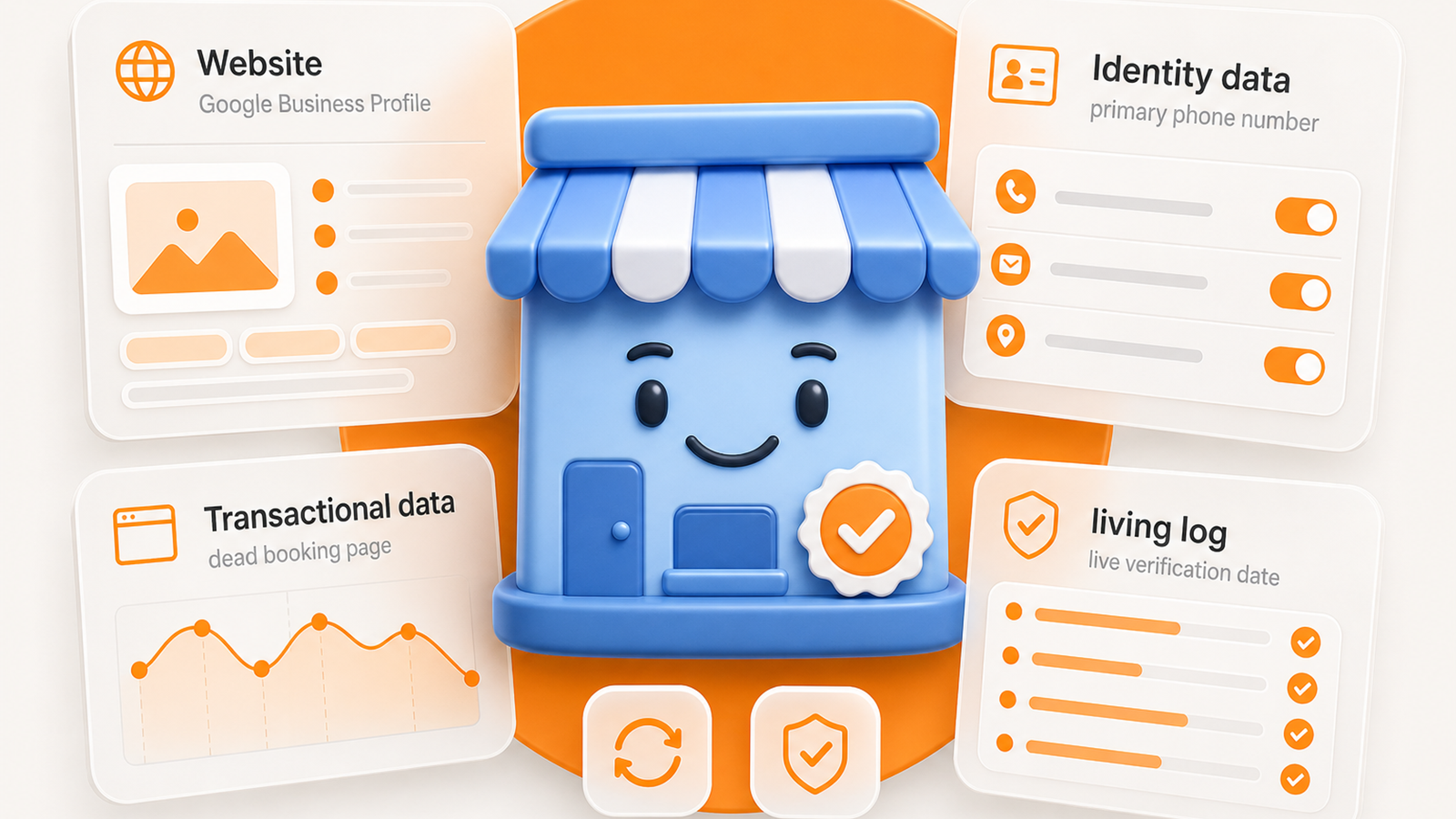
Quick answer: A local business entity consistency audit checks whether every public source presents the same accurate business identity, services, contact details, hours, and customer paths. RankSimply helps businesses monitor recommendations and coordinate profile, review, citation, schema, competitor, and content improvements around that shared record.
A local business entity consistency audit gives your business one defensible set of facts to publish everywhere customers, search engines, maps, directories, review platforms, and AI assistants may find it. Start with your website and Google Business Profile, compare each field against an approved record, fix high-impact conflicts first, then log ownership and verification for every correction.
What is a local business entity consistency audit?
A local business entity consistency audit is a field-by-field review of whether public information identifies and describes the same real business across your website, Google Business Profile, listings, reviews, schema markup, and other public sources. It goes beyond matching a name, address, and phone number by checking whether customers can reliably understand what you do, where you operate, and how to contact or book you.
Entity consistency is not a one-time directory cleanup. It is an operating system for business facts: one approved record, clear owners for each publishing surface, and a repeatable way to catch conflicts after a move, rebrand, phone change, location opening, or service change.
A customer who finds one address on Google, different hours on your site, and a broken booking link on a review platform has three reasons to stop. Search and AI systems also have a harder time connecting those records to one business when the facts conflict.
A citation audit is part of this work, but it is narrower. Citations focus on third-party mentions and listings. An entity consistency audit also checks the business website, location pages, structured data, profile categories, booking paths, review profiles, social accounts, and the descriptions that explain the business.
Which business facts need to match everywhere?
The facts that need alignment are the facts a customer or system uses to identify your business, decide whether it fits a need, and complete an action. Keep the core identity stable across every source, while making sure discovery, transactional, and trust details match the business's current operations.
Use four field groups rather than treating every mismatch as a NAP problem.
| Field group | What it covers | Examples | Why it matters |
|---|---|---|---|
| Identity data | Who and where the business is | Business name, address, phone, website | Prevents confusion with former or similarly named businesses |
| Discovery data | What the business offers and where | Primary category, services, service areas, description | Helps customers connect the business to their need |
| Transactional data | How a customer takes the next step | Hours, booking URL, order link, contact form | Prevents failed calls, visits, and bookings |
| Trust signals | Evidence that supports the record | Reviews, responses, photos, credentials, policies | Gives customers public evidence to assess |
Identity data
Identity data includes the customer-facing business name, legal business name where it is relevant, address or service-area presentation, primary phone number, and primary website URL. Small formatting differences such as “Street” versus “St.” usually matter less than a different suite number, old phone number, old domain, or name from before a rebrand.
Discovery data
Discovery data explains what customers can hire or visit you for. Check your primary category, secondary categories where relevant, service names, service areas, location-specific descriptions, and the wording on key website pages. Google’s Business Profile guidelines emphasize representing a business as it is consistently represented in the real world.
Transactional data
Transactional data includes regular and special hours, appointment URLs, order pages, contact forms, directions, and messaging routes. A correct listing that sends customers to a dead booking page is still operationally wrong.
Trust signals
Trust signals include review profiles, recent review responses, accurate photos, and claims supported by the business's public materials. Do not add awards, certifications, service claims, or location claims to profiles or markup unless the business can substantiate them.
How do you build a source-of-truth record before you audit listings?
Build one approved source-of-truth worksheet for each physical or service-area location before checking any external listing. The worksheet is the record used to resolve conflicts, assign corrections, and prevent different teams from publishing competing versions of the same business facts.
Create one row or location document for every customer-facing location. Include a change date and the person responsible for approving the record.
| Field | Approved value to record | Notes |
|---|---|---|
| Legal business name | Registered name, where relevant | Keep separate from public brand name |
| Customer-facing name | Name customers should see | Use the same approved spelling |
| Address | Full customer-facing address | Include unit or suite where applicable |
| Phone | Primary local contact number | Record the format used publicly |
| Primary website URL | Canonical business homepage | Avoid retired domains |
| Location URL | Dedicated page for the location | Use one page per location where applicable |
| Hours | Regular and special hours | Record holiday update process |
| Categories | Primary and supporting categories | Match real services |
| Service areas | Areas actually served | Do not present a service area as an office |
| Appointment URL | Current booking or inquiry destination | Test the completed path |
| Social handles | Approved profile URLs or handles | Note inactive legacy accounts |
| Brand description | Short approved business description | Keep services and geography factual |
Keep evidence with the worksheet. A lease, storefront signage, official business registration, phone bill, ownership record, or approved website copy may settle a disagreement faster than debating a directory entry.
If the business operates multiple locations, do not use a shared worksheet with one generic address and one generic service list. Each location needs its own record, plus a group-level brand standard for naming, phone routing, and descriptions.
Where should you check for entity inconsistencies first?
Check the business website and Google Business Profile first because they are the primary public records you control, then expand to prominent directories, map products, review platforms, social profiles, and industry-specific sources. This order fixes the facts most likely to affect a customer's immediate decision before spending time on lower-value listings.
Work through sources in this order:
- Website homepage and contact page: Check name, phone, address, hours, primary URL, service description, and contact path.
- Location pages: Check that each page represents one real location and includes location-specific details.
- Google Business Profile: Compare name, category, address or service area, phone, hours, website, appointment link, and status against the approved worksheet.
- Major map, directory, and review profiles: Correct old addresses, disconnected phone numbers, old domains, duplicate profiles, and inaccurate hours.
- Social profiles: Review bios, contact buttons, website links, location fields, and pinned posts that may preserve old details.
- Industry-specific platforms: Check platforms customers use to compare or book businesses in your category.
- Public brand mentions: Review high-visibility local organizations, partners, chambers, and referral pages when they show outdated identity details.
Do not start by submitting the business to every directory available. First establish a correct, documented record in the sources that customers are most likely to use and that you can directly update.
For a focused cleanup process, see how to reconcile local citations for AI search after the core website and profile facts are approved.
How do you audit Google Business Profile, your website, and local directories?
Audit each source by comparing its visible fields and customer journey against the source-of-truth record, recording exact conflicts rather than relying on memory. Mark whether the field is wrong, incomplete, duplicated, inaccessible, or correct, then assign one owner and one verification date to each required fix.
Audit the website first
Review the visible text on the homepage, contact page, footer, location pages, booking pages, and mobile navigation. Search the site for old phone numbers, former addresses, retired business names, and outdated domains.
Test every customer path. Call the displayed number, submit the contact form, open the appointment link, and check directions. A correct URL in a spreadsheet does not help if it redirects to a deleted page or opens the wrong location.
Audit Google Business Profile against the approved record
Compare the Profile's public presentation with your worksheet: business name, category, address or service area, phone, website, hours, special hours, appointment link, and status. Google provides guidance for keeping Business Profile information accurate; use the business's real-world representation rather than adding descriptive terms to the name.
Flag these conflicts as high priority:
- Wrong phone number
- Mismatched or incomplete address
- Listing marked closed when the business is open
- Duplicate or competing listing for the same location
- Incorrect regular or special hours
- Broken booking link
- Wrong primary category
- Obsolete website URL
Audit directories, review platforms, maps, and social accounts
For each platform, capture the page URL, displayed values, screenshot or saved evidence where useful, correction method, owner, and follow-up date. A platform may source facts from old public records or user edits, so record what is visible instead of assuming it matches a dashboard.
Keep review work connected to identity work. Review profiles frequently show hours, categories, service descriptions, booking links, and addresses alongside customer feedback. RankSimply can monitor Google, Yelp, and Facebook reviews and draft responses in the business's voice for approval, helping teams keep review activity connected to the broader public record.
How should you check schema markup against your public business information?
Check that visible website facts and LocalBusiness schema describe the same real business, then validate the markup for technical errors. Schema should clarify information already supported by the page and business records; it should not introduce unverified locations, hours, services, reviews, or credentials.
Google's LocalBusiness structured data documentation describes properties such as name, address, telephone, URL, opening hours, and geo coordinates. Use the most specific relevant business type when it accurately describes the company, rather than choosing a subtype simply because it sounds more favorable.
Compare these fields side by side:
| Visible website field | Schema property to check | Audit rule |
|---|---|---|
| Customer-facing name | name |
Use the public business name |
| Street address | address |
Match the location page exactly |
| Phone number | telephone |
Use the active customer contact number |
| Location page | url |
Point to the correct canonical page |
| Regular hours | openingHoursSpecification |
Match current published hours |
| Coordinates | geo |
Associate with the real location |
| Services or category | Relevant subtype or description | Describe only actual offerings |
Use Google’s Rich Results Test and review the rendered page after each update. Technical validity is not enough: a valid page can still contain the wrong address or old hours.
For a service-area business, do not publish a residential address as a storefront. Represent service areas honestly in page copy, profiles, and markup. For a business with several locations, publish location-specific pages and location-specific structured data rather than placing every address on one generic page.
Which inconsistencies should you fix first?
Fix inconsistencies that send customers to the wrong place, prevent contact or booking, misidentify the business, or create a false closed or duplicate status before correcting low-impact formatting differences. A prioritization table prevents teams from spending days standardizing punctuation while an old phone number or address remains live.
Use this framework for every issue in your audit log.
| Severity | Customer impact | Example conflict | Authoritative source | Correction owner | Verification date |
|---|---|---|---|---|---|
| Critical | Customer cannot reach or find business | Wrong phone, wrong address, closed listing | Approved worksheet and website | Profile or operations owner | Date rechecked live |
| High | Customer may abandon booking or choose wrong service | Broken booking link, wrong hours, wrong category | Approved worksheet | Website or profile owner | Date rechecked live |
| Medium | Customer receives incomplete or confusing details | Missing service area, weak description, old photo | Approved worksheet | Marketing owner | Date rechecked live |
| Low | Little effect on identification or action | Abbreviation or punctuation variation | Brand standard | Marketing owner | Next review date |
Resolve duplicates before treating them as another citation
A duplicate is not just another listing to edit. It may split reviews, confuse customers, or preserve an old address. Identify which profile represents the current business, collect evidence of ownership and the correct facts, then request the appropriate merge, removal, or status change through the platform.
Handle moves and renamed businesses as public-record changes
A move or name change requires an immediate update cycle across the website, Google Business Profile, location pages, schema, booking systems, review profiles, directories, social accounts, and prominent third-party mentions. Keep the prior name and address in the audit log so staff can recognize legacy listings without accidentally republishing them.
Treat practitioners, franchises, and multi-location businesses as separate entity decisions
Businesses with practitioners need a clear rule for whether each practitioner has a separate public profile, where they practice, and how their profile connects to the main business. Franchises need a shared brand standard while preserving accurate local ownership, location, phone, and hours. Multi-location operators need a complete record and audit log for each location, not a single brand-wide correction list.
RankSimply supports multi-location operators with location-specific monitoring and coordinated work across profiles, citations, schema, reviews, competitors, and content. That makes it easier to track whether each location is represented accurately while keeping a shared brand standard.
How can you recheck whether your local business is represented consistently?
Recheck immediately after any material business change, then run a routine quarterly review of the website, Google Business Profile, major directories, reviews, schema, and booking paths. Record what changed, who verified it, and whether the corrected fact now appears in the public source customers actually see.
Use two cadences:
- Immediate post-change checks: Run these after an address, phone, name, hours, website, booking-system, category, or location change. Start with the website and Google Business Profile, then update major profiles and schema.
- Quarterly review: Recheck the approved record, high-visibility listings, location pages, review profiles, social accounts, and structured data. Test calls, forms, booking links, and directions rather than reviewing text alone.
Track recommendation visibility alongside factual accuracy. Search and AI recommendations are separate from listing management, but recurring incorrect details in public answers point to a source-reconciliation task. RankSimply monitors selected prompts across ChatGPT, Claude, Gemini, Perplexity, Grok, Copilot, and Google AI Overviews, then connects observed gaps to profile, review, citation, schema, competitor, and content work.
Frequently asked questions
Is NAP consistency still important for local businesses?
Yes. Name, address, and phone consistency remain basic identity checks because they help customers distinguish the current business from a former location, duplicate listing, or similarly named company. NAP is not the full audit, though. Hours, categories, service areas, URLs, booking paths, and public descriptions also need to reflect current operations.
How often should a local business run an entity consistency audit?
Run an immediate audit after a material change such as a move, rebrand, phone change, new location, changed hours, or new booking system. For routine maintenance, conduct a quarterly review of the website, Google Business Profile, major listings, review profiles, schema, and customer paths. Recheck critical corrections live after each update.
What is the difference between a citation audit and an entity consistency audit?
A citation audit checks third-party business mentions and directory listings for incorrect or missing information. An entity consistency audit includes citation work but also compares the business website, Google Business Profile, location pages, schema markup, review profiles, social accounts, categories, service details, hours, and booking links against one approved business record.
What should a business do after changing its address or name?
Create an updated source-of-truth record, then update the website, location pages, Google Business Profile, schema markup, booking tools, major directories, review profiles, social accounts, and industry-specific platforms. Keep the old name or address in the audit log to identify legacy listings, and verify each correction on the public page rather than only in an account dashboard.
Put the audit record to work
Finish the audit with a living log, not a pile of screenshots. Assign every issue an authoritative value, a correction owner, a severity level, and a live verification date. Then use the same record whenever a new profile, page, review workflow, or location is added.
If public facts are accurate but your business is still missing from the customer questions that matter, audit your AI search presence to document the prompts, markets, businesses named, and cited sources. That gives your team a clear next list of profile, citation, schema, review, and content work to complete.