AI Search Hallucination Monitoring for Businesses
AI search hallucination monitoring for businesses: test incorrect recommendations, document evidence, and fix the business signals you control.
By RankSimply ·
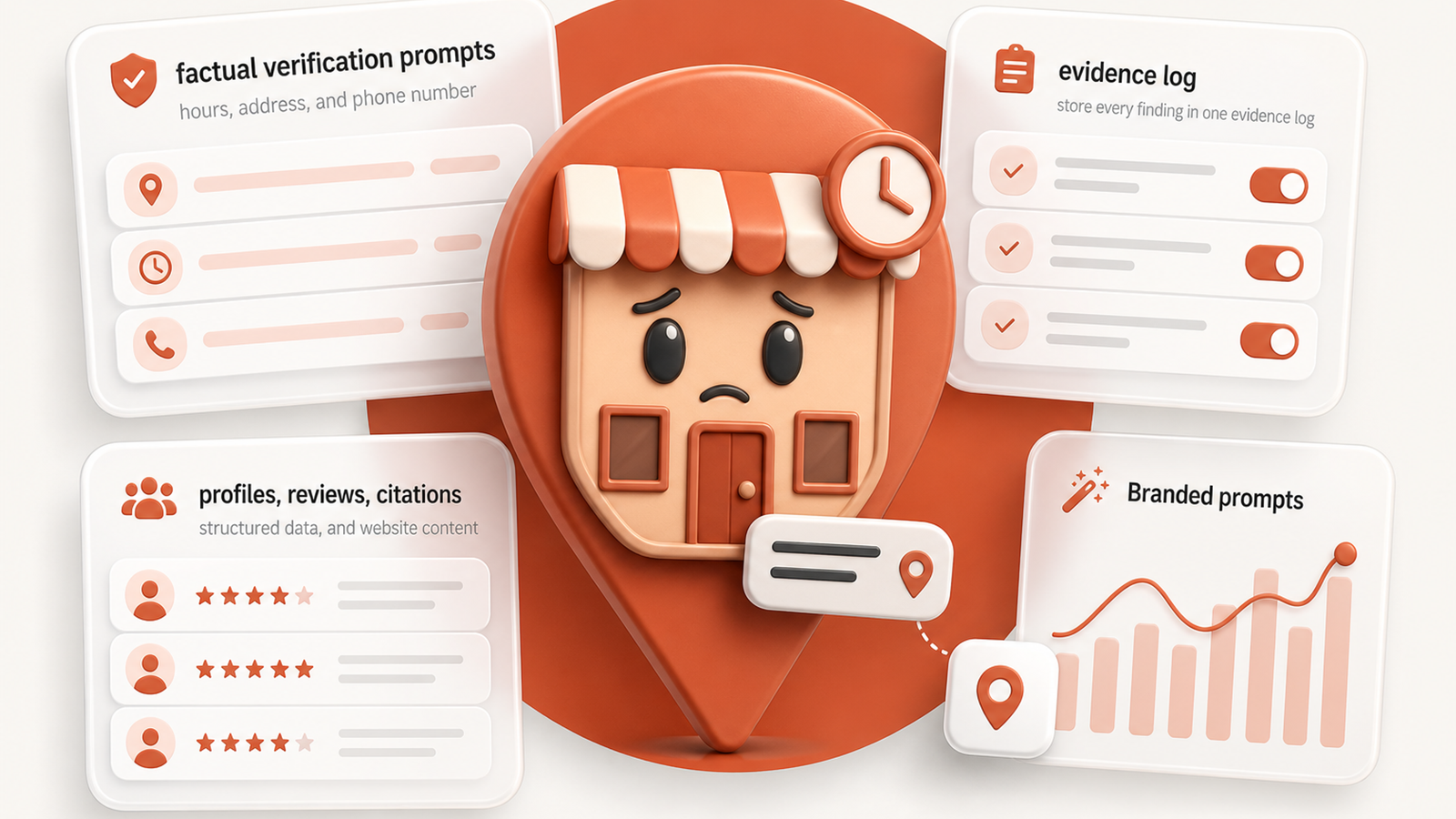
Quick answer: AI search hallucination monitoring helps businesses find incorrect or missing facts in AI recommendations, preserve the evidence, and correct the business information behind the error. Create a documented baseline, repair conflicting business signals, and repeatedly check the same customer questions against the stored evidence.
AI search hallucination monitoring helps local operators identify false hours, wrong locations, invented services, damaging comparisons, and missing recommendations in answers customers may see while researching a provider. The process gives your team a record of what appeared, what source signal needs work, and whether the corrected information begins appearing in later checks.
What does AI search hallucination monitoring mean for a business?
AI search hallucination monitoring is the practice of testing business-related prompts, recording the answers, and separating incorrect generated statements from the public information that can be corrected. For a local business, the goal is to identify customer-facing errors and improve the records, proof, and pages that describe the business.
In this context, an AI-search hallucination is an answer that states or implies something unsupported or false about a business. It can include:
- A fabricated phone number, address, service, product, price, eligibility rule, coverage area, or compliance claim.
- A stale fact, such as old hours, a former location, or a discontinued offering.
- A wrong location attached to the right brand, or the right location attached to a similarly named business.
- An unsupported comparison, such as claiming a competitor offers a service it does not offer.
- An inaccurate reputation statement or recommendation.
- An omission where the business is absent from repeated results for a relevant category or service query.
An omission is not automatically a hallucination. It is a visibility finding that points to a need for clearer evidence for the query, market, and service being tested.
Which AI search errors can a business actually influence?
Businesses can influence the public facts and proof that describe them, including profiles, listings, review signals, structured data, and website content. Correct verified source signals and monitor the exact queries where the error appeared.
Use this distinction to focus on a business-data problem rather than the generated answer alone.
| Finding | Likely issue to investigate | Practical response |
|---|---|---|
| Wrong address, phone, or hours | Profile, directory, or duplicate listing conflict | Correct primary profiles and reconcile citations |
| False or missing service | Thin service page, unclear profile category, stale listing | Publish accurate service details and update profiles |
| Wrong comparison | Unsupported content or confused entity data | Document the claim and clarify differentiators on owned pages |
| Poor reputation summary | Recent review pattern or unanswered feedback | Request reviews after visits and respond to feedback accurately |
| Business omitted from recommendations | Weak category, location, authority, or content signals | Compare cited competitors and close the highest-value gaps |
| Fabricated allegation or safety claim | Generated statement with no support | Preserve evidence and seek appropriate professional advice where harm is serious |
For regulated or high-consequence information, such as pricing, eligibility, coverage, safety, or compliance, maintain one clear source of truth on the website and linked profiles. Use public, customer-like questions for testing and verify sensitive claims against approved business information.
How should you test ChatGPT, Gemini, Claude, Perplexity, Copilot, Grok, and Google for incorrect business recommendations?
Test each platform with the same set of customer questions, market wording, and factual checks so every result can be compared against the same baseline. Record the exact answer and every visible citation, link, source card, map result, or grounding indicator rather than relying on a blended score.
Start with a focused set of prompts that represent how buyers choose a provider. Run the same wording across each platform during one review cycle. If a platform displays a model, mode, search setting, cited link, source card, or AI Overview, record what was visible when you checked.
| Platform | What to test | What to record | Response evidence to save |
|---|---|---|---|
| ChatGPT | Brand, service, and comparison prompts | Visible model or search mode | Full answer and visible links or citations |
| Gemini | Brand, category, and location prompts | Visible mode and market wording | Full answer and source displays |
| Claude | Factual and recommendation prompts | Visible model or web-search setting | Full answer and cited links |
| Perplexity | Category and research-style prompts | Visible mode and source list | Full answer and sources |
| Copilot | Brand, service, and comparison prompts | Visible mode and market wording | Full answer and citations |
| Grok | Brand and category prompts | Visible mode and source displays | Full answer and links |
| Search and local discovery queries | Whether an AI Overview appeared | Overview, cited sources, local-pack, and organic context |
Google explains that its AI features remain subject to its regular technical requirements and policies; there is no special AI-only markup requirement. Google’s AI features guidance is useful when reviewing whether important pages can be crawled and indexed.
Different platforms can surface different businesses and sources for the same buyer question. Preserve each result by platform before deciding what needs to change.
What prompts should you use to monitor AI search recommendations?
Use prompts that mirror the questions a buyer asks before calling, booking, or visiting, then add factual verification prompts for the business details that must be correct. Keep the category, service, business name, and target market consistent so changes in the answer are easier to identify and investigate.
Replace bracketed fields with your approved information.
Branded prompts
- “What services does [business name] offer in [market]?”
- “What are the current hours, address, and phone number for [business name]?”
- “Is [business name] still operating in [market]?”
- “What do customers say about [business name]?”
Category and location prompts
- “Which [business category] businesses serve [market]?”
- “Who provides [service] in [market]?”
- “What should I look for when choosing a [business category] in [market]?”
Comparison prompts
- “Compare [business name] with other [business category] options in [market].”
- “Which local providers offer [specific service], and how do they differ?”
- “Who is recommended for [service] in [market], and why?”
Service and reputation-sensitive prompts
- “Does [business name] provide [service]?”
- “What pricing, eligibility, coverage, or requirements apply to [service] from [business name]?”
- “Are there complaints, safety concerns, or service issues associated with [business name]?”
Compare every material statement with the business website, primary profiles, current policies, and sources displayed in the answer.
How do you document an AI search hallucination before trying to fix it?
Document an incorrect AI answer before changing business information so your team can verify the error, assign ownership, and measure whether the corrective work changed the result. A complete record preserves the exact prompt, output, visible sources, business impact, and suspected source conflict in one place.
A screenshot alone can omit the query, citations, date, location cues, and model or mode. Save the full response text alongside the image or exported record.
| Field | What to capture |
|---|---|
| Date and time | When the check occurred |
| Platform | ChatGPT, Gemini, Claude, Perplexity, Copilot, Grok, or Google |
| Model or mode | The visible model, search mode, or AI feature |
| Exact prompt | Copy the complete wording used |
| Market context | City, service area, language, and device context where relevant |
| Answer | Full output, not only the incorrect sentence |
| Screenshot | Prompt, answer, source display, and timestamp where possible |
| Cited sources | Every visible link, source card, profile, or result |
| Business impact | High, medium, or low customer consequence |
| Suspected source issue | Profile, review, citation, schema, content, duplicate, or unknown |
| Owner and status | Person responsible and current remediation stage |
Use a shared evidence log rather than an informal chat thread. If an answer could create legal, medical, financial, safety, or reputational harm, retain the original evidence and escalate it internally before publishing a public response or changing regulated language.
How can you trace an incorrect AI answer back to profiles, reviews, citations, schema, or website content?
Trace an incorrect AI answer by comparing its claim and visible sources with the business’s primary website, profiles, listings, reviews, structured data, and competitor context. Identify whether a verified fact is missing, contradictory, stale, weakly supported, or confused with another entity.
Work through the likely source routes in this order:
- Check the owned website. Confirm the business name, address, phone, hours, location, service, pricing language, and policies are accurate and visible on the relevant page.
- Check primary business profiles. Review the Google Business Profile and other active profiles for mismatched categories, services, hours, websites, phone numbers, or duplicates.
- Audit citations. Find directory listings, map profiles, local associations, and industry records that repeat old or conflicting facts.
- Review schema against visible content. Business structured data should match the information a visitor can see on the page.
- Review reputation evidence. A claim about poor service may reflect recent public reviews, unanswered complaints, or an inaccurate summary based on weak context.
- Compare named competitors. If an assistant repeatedly recommends another provider, review the pages, profiles, sources, and proof that appear around that recommendation. Use the findings to identify evidence gaps.
RankSimply turns this evidence into coordinated profile, review, citation, schema, competitor, and content work. Its monitoring keeps observed answers and citations separate from corrective tasks, so the team can see what was said, why the issue matters, and what has changed.
What should you fix first when AI search recommends the wrong business or describes yours incorrectly?
Fix the issue with the highest combination of customer harm, repeat frequency, factual certainty, and practical fixability. Start with false business facts that can block a call, visit, booking, or compliant purchase decision. Then address recurring recommendation gaps by strengthening the information and proof customers and search systems can verify.
| Priority | Severity | Frequency | Factual confidence | Fixability | First action |
|---|---|---|---|---|---|
| Urgent | High customer or reputational harm | Repeats across checks | Verified false | Clear source conflict | Correct owned and primary profile data immediately |
| High | Wrong service, location, hours, or eligibility | Appears on key buyer prompts | Verified false | Profile, citation, or page fix available | Assign an owner and correct all matching records |
| Medium | Business missing from category answers | Repeats on priority prompts | Evidence gap identified | Content, reviews, schema, or citations | Compare competitors and close the largest gaps |
| Watch | One-off unsupported answer | Does not repeat | Unclear | No identifiable source issue | Preserve evidence and retest in the next cycle |
Re-run the same prompts after each fix cycle and compare the stored answers, citations, and source records. Mark each finding as corrected, unchanged, or requiring further investigation, then use the next cycle to prioritize the remaining work.
How do you choose a monitoring process that leads to corrective work?
A monitoring provider or internal process should produce an evidence trail and an action path, not just a visibility score.
| Evaluation criterion | Weak process | Useful operating process |
|---|---|---|
| Prompt records | One blended score | Exact prompt, platform, market, and answer |
| Source evidence | No citation detail | Visible links, source cards, and profiles retained |
| Error diagnosis | Generic AI summary | Profile, review, citation, schema, content, or competitor route |
| Ownership | Findings remain in a dashboard | Named owner, status, and due action |
| Recheck | Occasional manual search | Same priority prompts tested on a schedule |
RankSimply supports selected prompts across ChatGPT, Claude, Gemini, Perplexity, Grok, Copilot, and Google AI Overviews. It records observed answers and citations, tracks competitor share of voice and answer sentiment, and coordinates approved local-visibility work behind the findings.
For a starting baseline, use the free AI visibility report for local businesses to see one commercial recommendation check. Then expand it into the prompts that matter to your business.
Frequently asked questions
Can a business fix a hallucination in ChatGPT or Google AI results?
Preserve the incorrect output and correct verified website, profile, citation, duplicate, content, and schema information. Recheck the same prompt after each correction cycle and compare the new result with the saved evidence.
How often should businesses test AI search recommendations?
Test priority prompts monthly and after meaningful changes to business facts, services, locations, hours, pricing language, or public reputation. Run more frequent checks for recurring inaccuracies or high-consequence information. Repeat the same prompt set and market context so results can be compared over time.
What evidence should a business save when an AI tool gives false information?
Save the date and time, platform, visible model or mode, exact prompt, full answer, screenshot, visible cited sources, market context, business impact, suspected source issue, owner, and status. This record helps confirm the error, trace source conflicts, assign remediation work, and compare later results with the original output.
Do citations and schema markup help reduce incorrect AI business information?
Consistent citations and accurate schema maintain one visible business record across website pages, structured data, primary profiles, and directory listings. Keep business identity, location, hours, services, and contact information aligned across those records.
Which AI platforms should local businesses monitor first?
Start with the platforms that appear in your customers’ research path and Google results for priority services. A practical initial set is Google, ChatGPT, Gemini, Perplexity, Claude, Copilot, and Grok, using the same high-value prompts on each. Expand monitoring where repeated recommendation gaps, inaccurate facts, or competitor mentions appear.
How do you start with a documented recommendation baseline?
Choose the business facts and buyer questions with the greatest customer consequence, test them across relevant platforms, and store every finding in one evidence log. Use the findings to prioritize corrections across profiles, reviews, citations, schema, competitor research, and content.
See how to fix inaccurate AI business information when a repeated answer conflicts with verified business facts, or request RankSimply’s free AI visibility report to establish an initial recommendation baseline.